
● Ship · Go live
Deployment
checklist before going live.
The steps to take on staging and production, and the security model you are relying on.
01Go-live checklist
- Install on staging first if you can. Run the self-test.
- Choose a preset and review the intent cards. Remember that blocking AI search & answers can reduce AI citations.
- Press Refresh now on Verification sources; all lists should be green.
- Page cache: loopback test plus an outside curl check; install the cache snippet if needed.
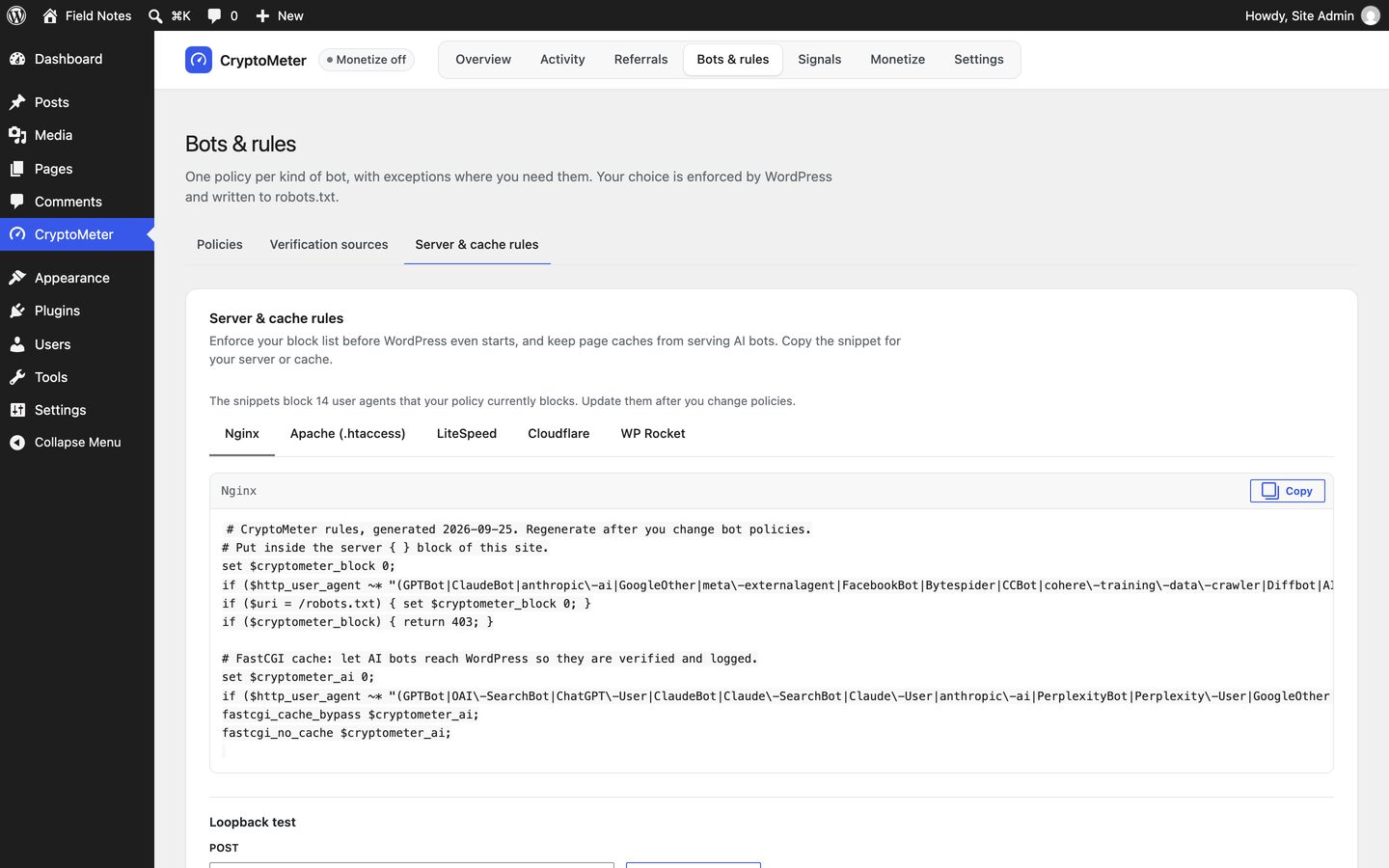
- Optional: server/CDN rules from Server & cache rules (back up the config first).
- Signals: decide on RSL, TDMRep and noai; check the preview; make sure no physical robots.txt hides the virtual one.
- Turn on the weekly report (and spike alert) under Notifications.
- Update your privacy policy with the suggested text.
- Monetize only: Test mode with the Simulator and ideally one demo payment on staging; then Mode Live, live networks, PayAI / Coinbase CDP / your facilitator (x402.org is testnet only), Check facilitator (saved settings), and watch the ledger and facilitator errors in the first days. Do not leave Test mode running on production: bots set to Charge would receive testnet challenges that cannot earn anything.
Staging to production: Settings → Tools & status → Download JSON on staging, Import on production. Secrets are not included; re-enter them or use the wp-config constants.
02Security model
- All admin screens and
/admin/*REST routes requiremanage_optionsand a WordPress REST nonce; export/import use admin nonces. - Outbound requests use the WordPress safe HTTP API with timeouts and size limits; verification data is fetched in the background, never during a visitor's request.
- Full visitor IPs are not stored; the log keeps the network prefix only.
- Signature verification only fetches key directories of allow-listed agents; unknown or invalid signatures fall back to IP/DNS checks.
- Monetize is non-custodial: public wallet address only; exact amount, recipient, network, validity and replay checks (unique nonce) before the facilitator; failed-payment throttle; CSV formula neutralisation.
- User agents can be faked. Unverifiable bots can only be judged by user agent; bots that pose as browsers are not recognised. Use IP rules for partners. Logged-in users are never blocked, logged or charged, so do not give AI companies WordPress accounts.